Ask Smart Scaler
Ask Smart Scaler is an interactive feature that allows you to query anything related to Smart Scaling metrics. You can also use it to visualize metrics.
This topic explains how to use the Ask Smart Scaler feature to query metrics for a specific period of time.
Use the Query Bar to Generate and Visualize Data
To submit a query and/or visualize data:
-
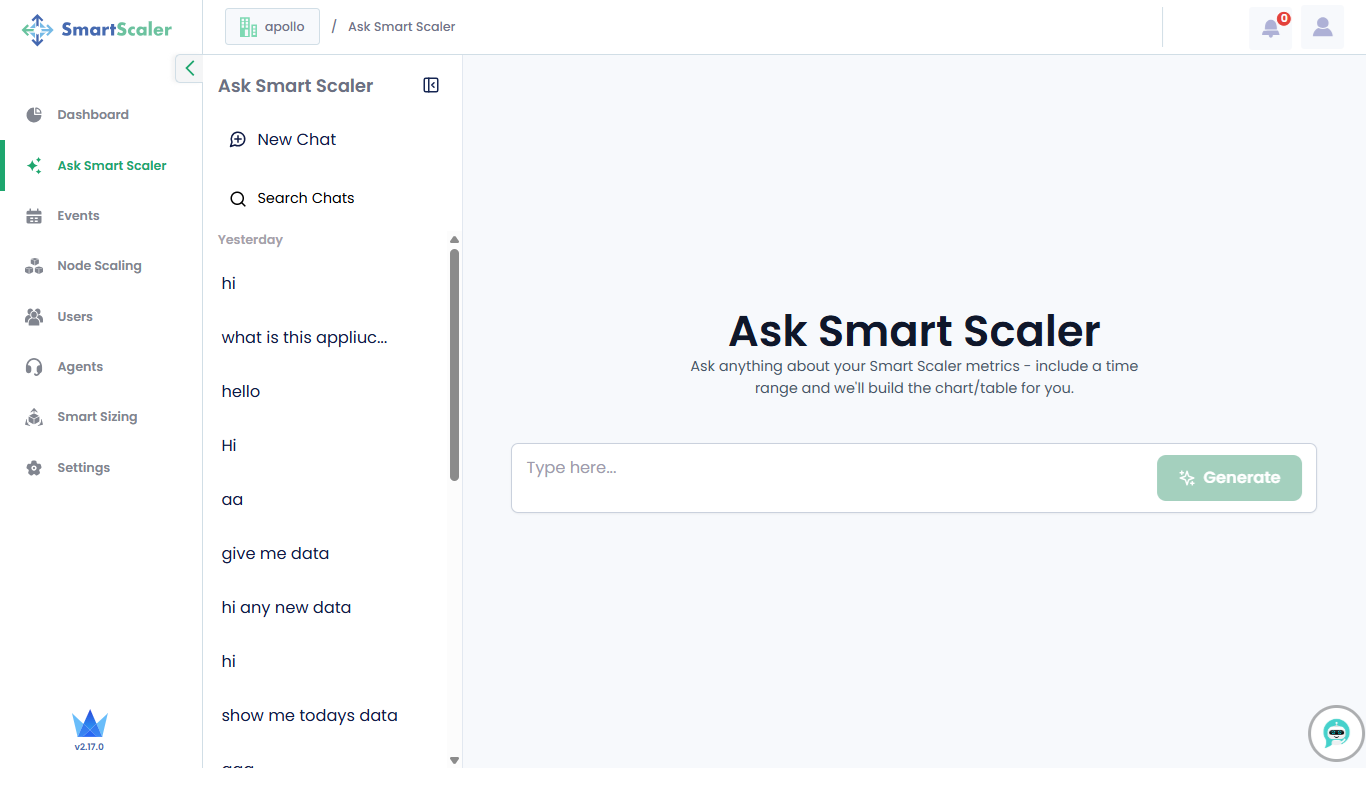
Go to Ask Smart Scaler on the left sidebar.
-
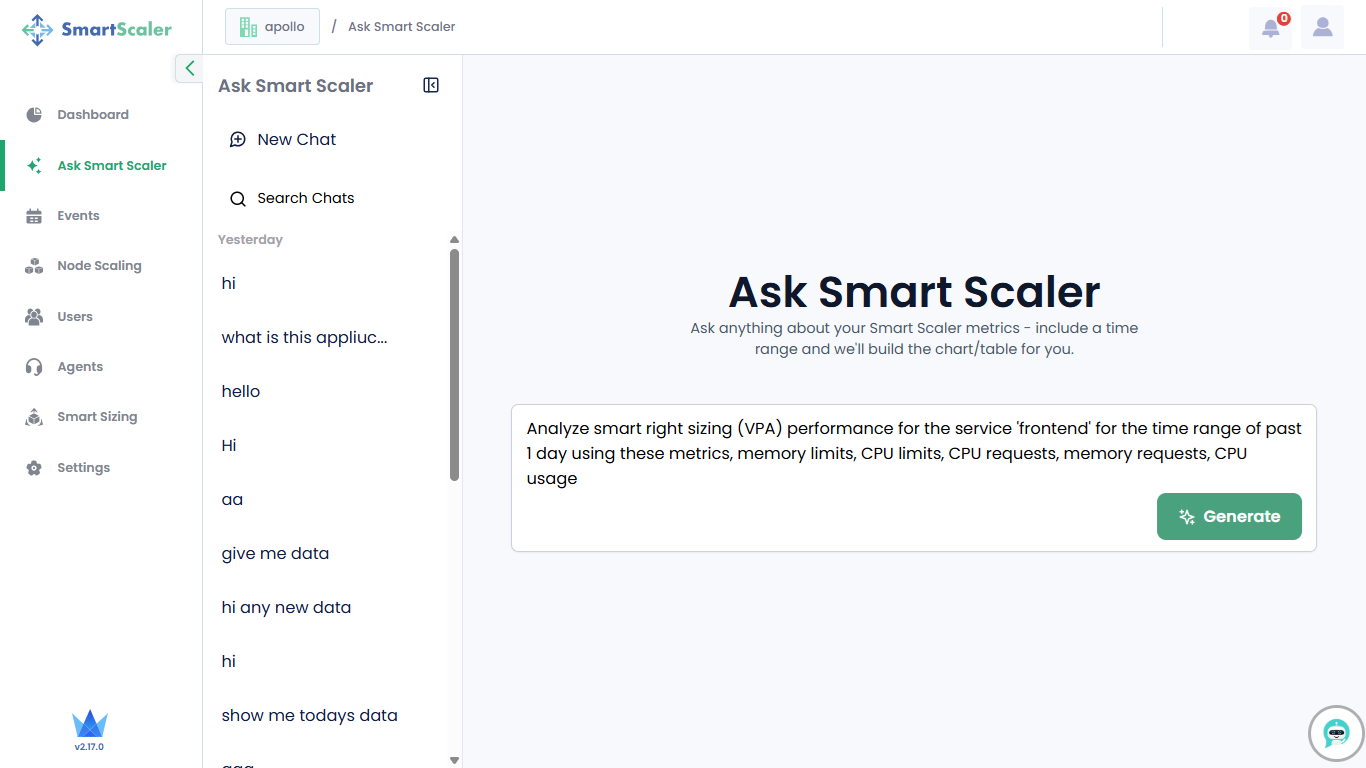
On the Ask Smart Scaler page, add a custom query and click Generate.
 note
noteYou can also use a query from the chat history if you find it applicable. For more information, see Use the Chat History.
-
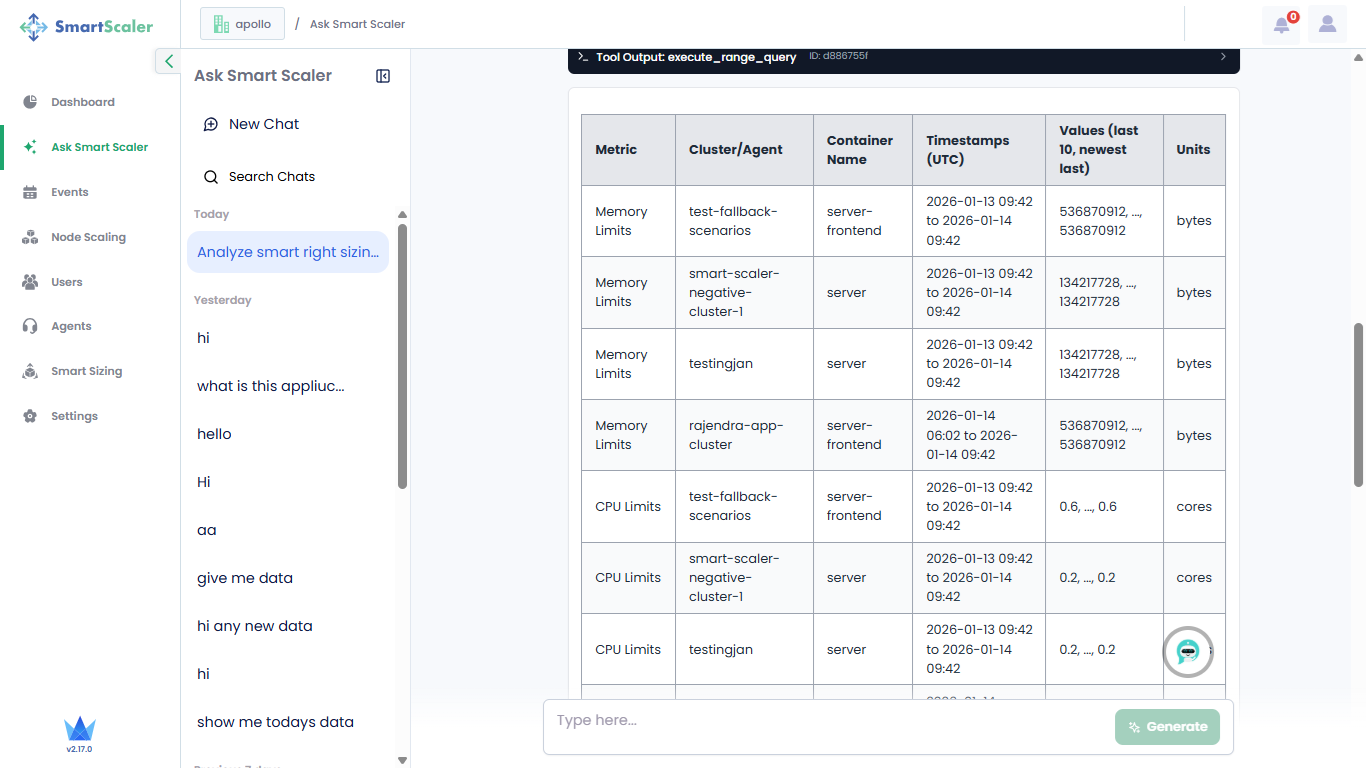
The system processes your query and returns the output.
-
Repeat the same query for a different microservice, such as adservice.
-
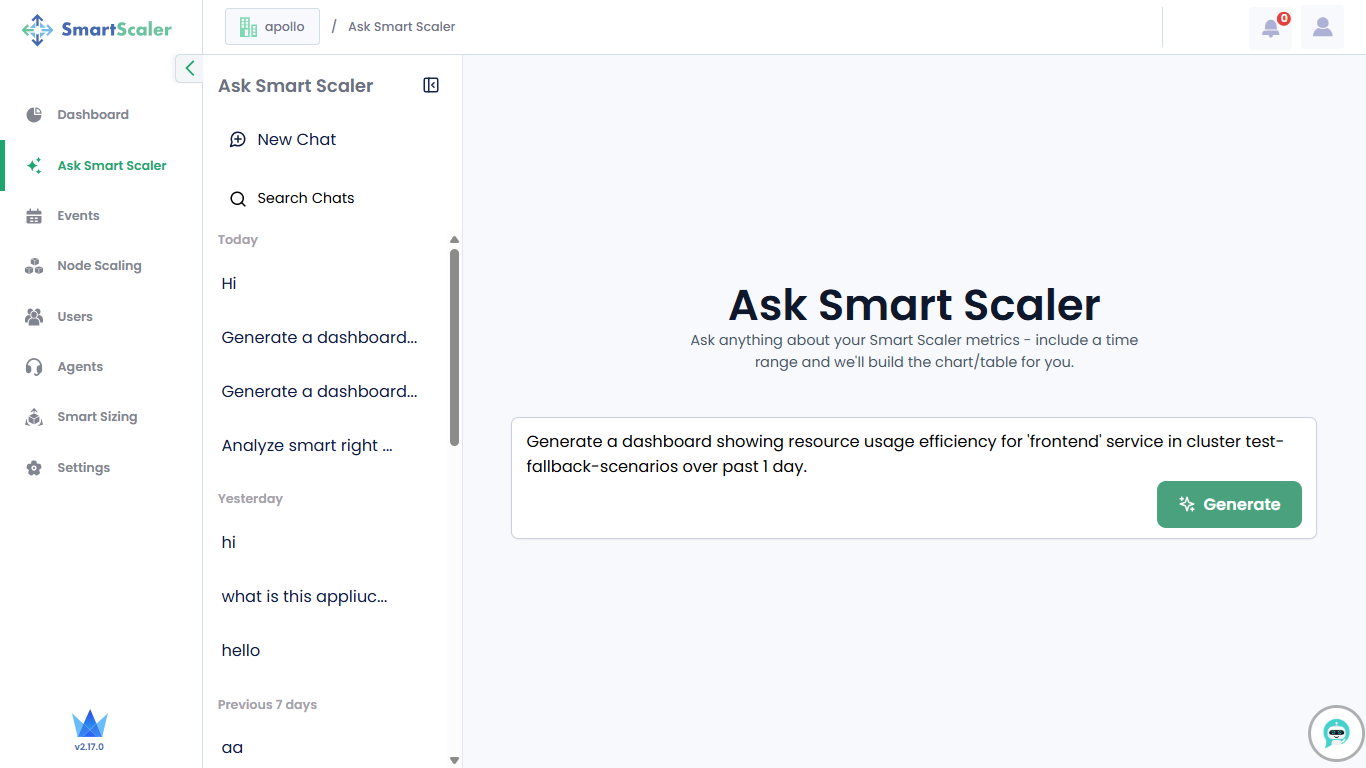
Enter a query to generate a dashboard.
-
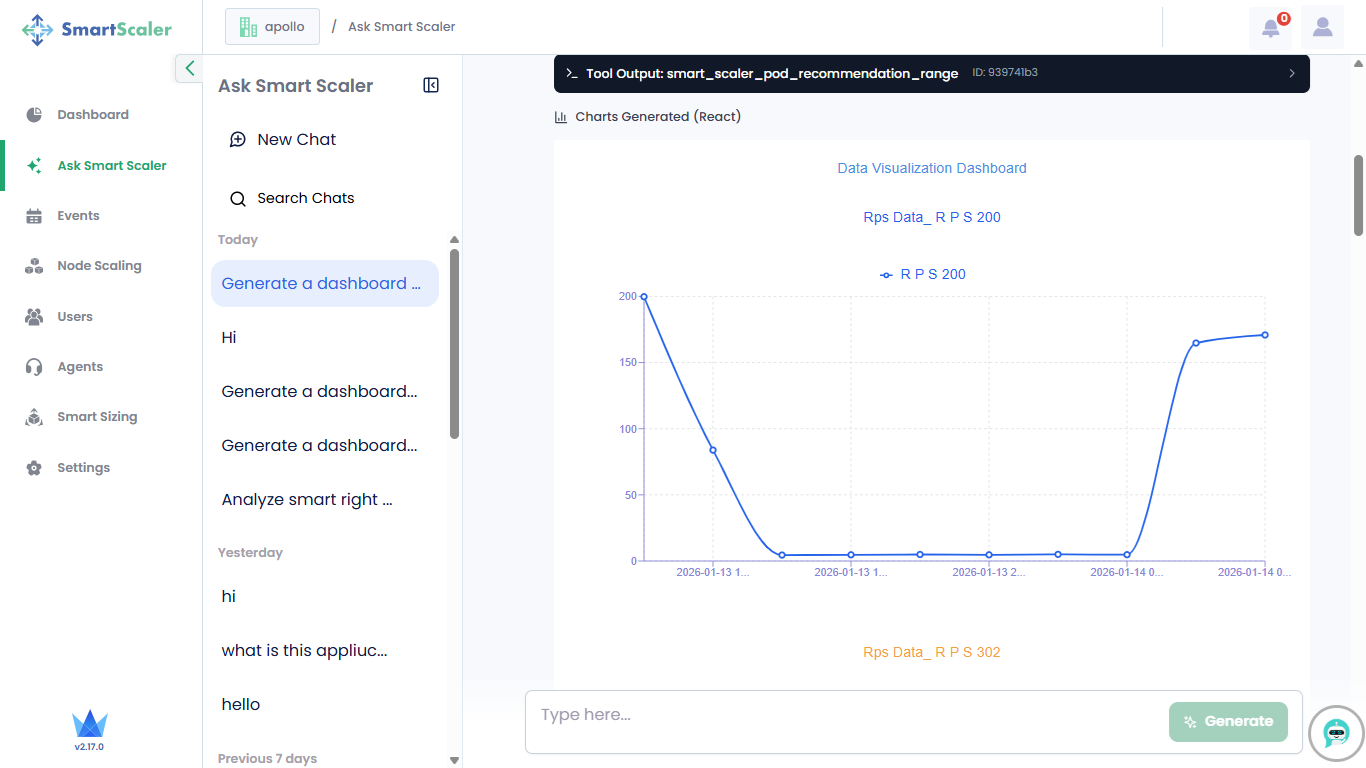
The system returns all charts in the output.
Use the Chat History
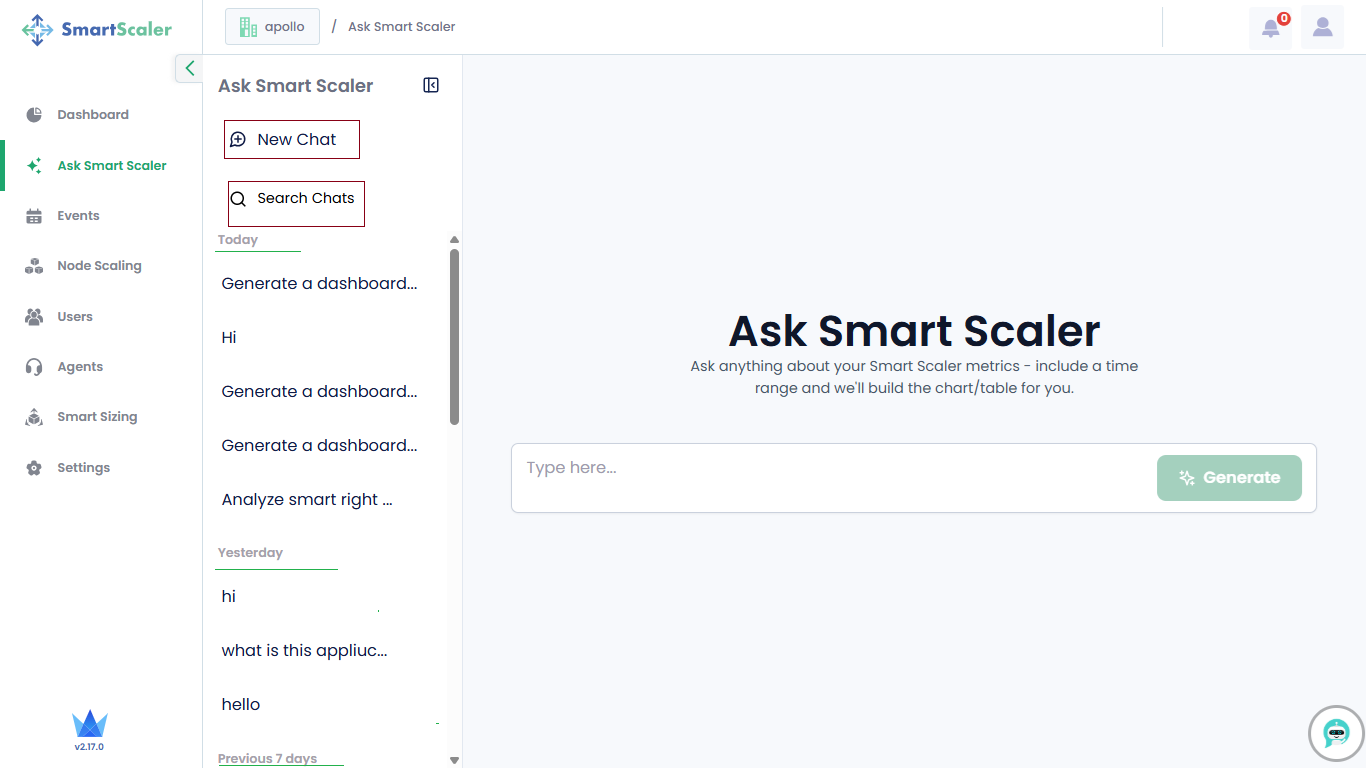
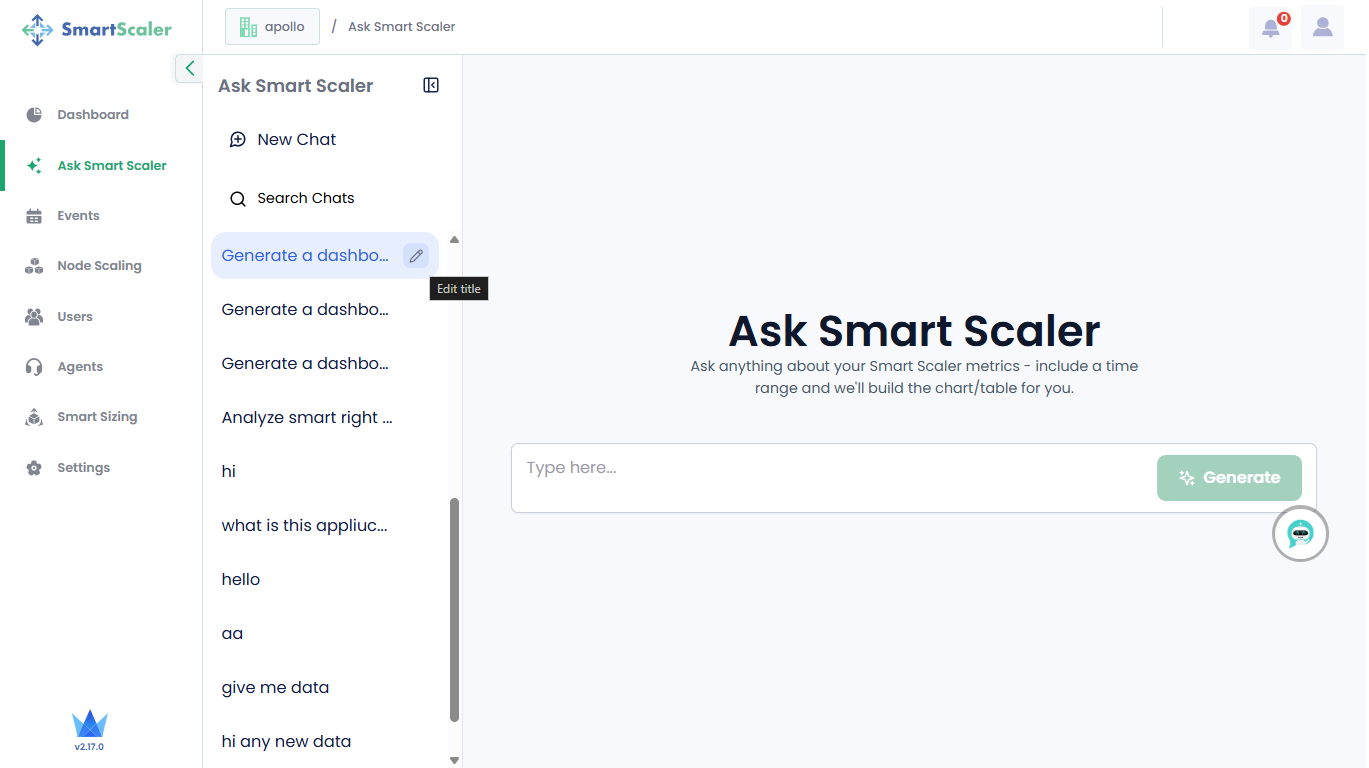
On the Ask Smart Scaler page, on the left-side, the chat history appears on the left side, and is organized into Today, Yesterday, and the Previous 7 days.
To use the chat history:
-
Click New Chat to enter your search message, and click Generate.
-
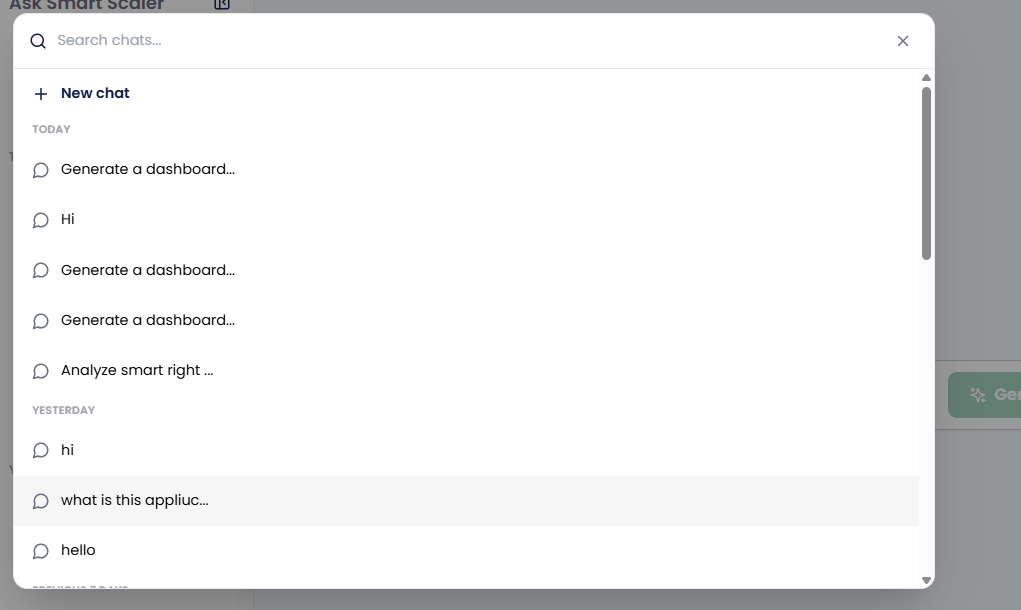
Otherwise, click Search Chats.
-
Click a previous search on the Search Chats pane or on the Ask Smart Scaler page to get the required results.
infoThe previous query generates output only if data is available.
You can edit an existing query on the Ask Smart Scaler page's chat history. For more information, see Edit a Previous Chat Query.
Edit a Previous Chat Query
To edit a previous chat query:
-
On the Ask Smart Scaler page, in the left side chat history, do a mouse hover on the query that you want to edit.
-
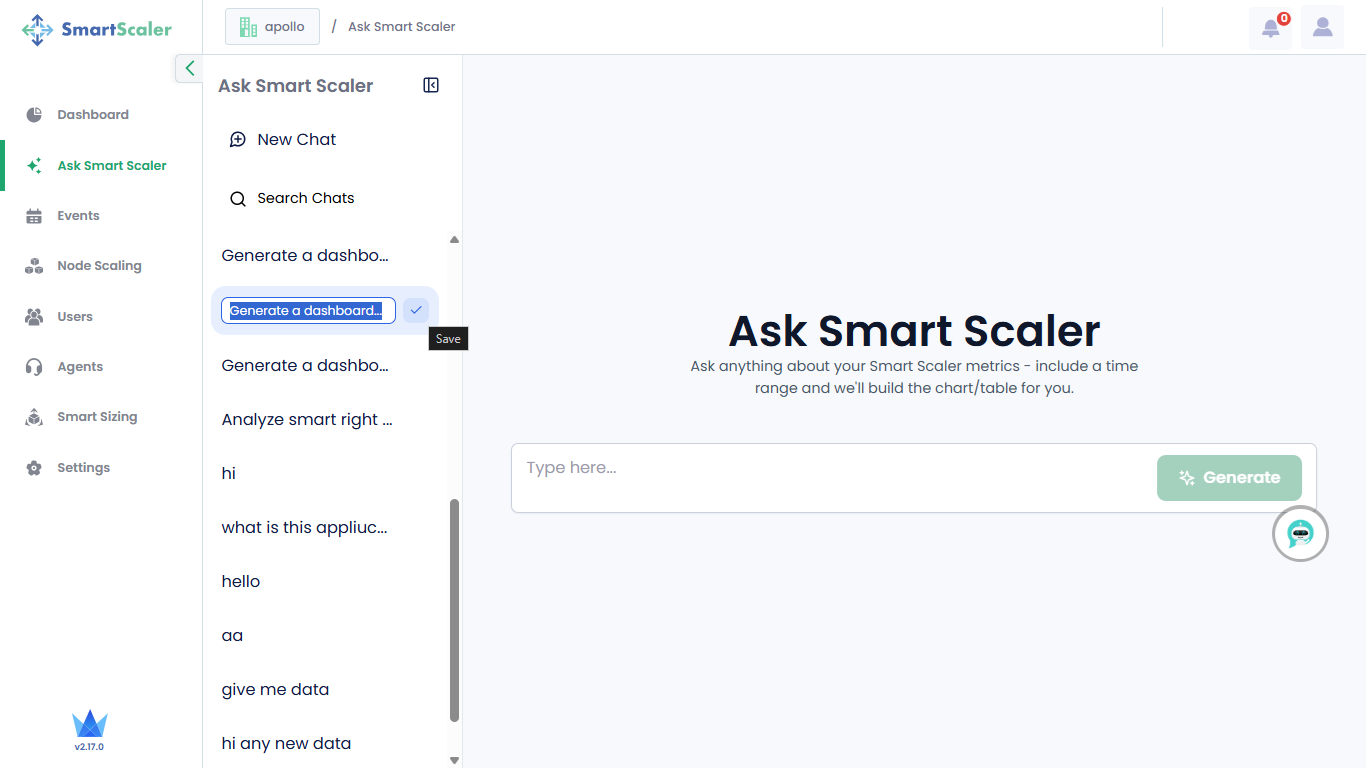
Click 🖋 (Edit title), and edit your query as required.
-
After editing the query, click ✔️ (Save) to save your modified query and get the output.