OpenAI Compatible
Integrating with an OpenAI-Compatible tool enables the AI SRE Agent to safely execute operational actions through a standardized, interoperable tool-calling interface.
Configure OpenAI Compatible
-
Go to Integrations on the left sidebar.
-
On the Integrations page, click OpenAI Compatible.
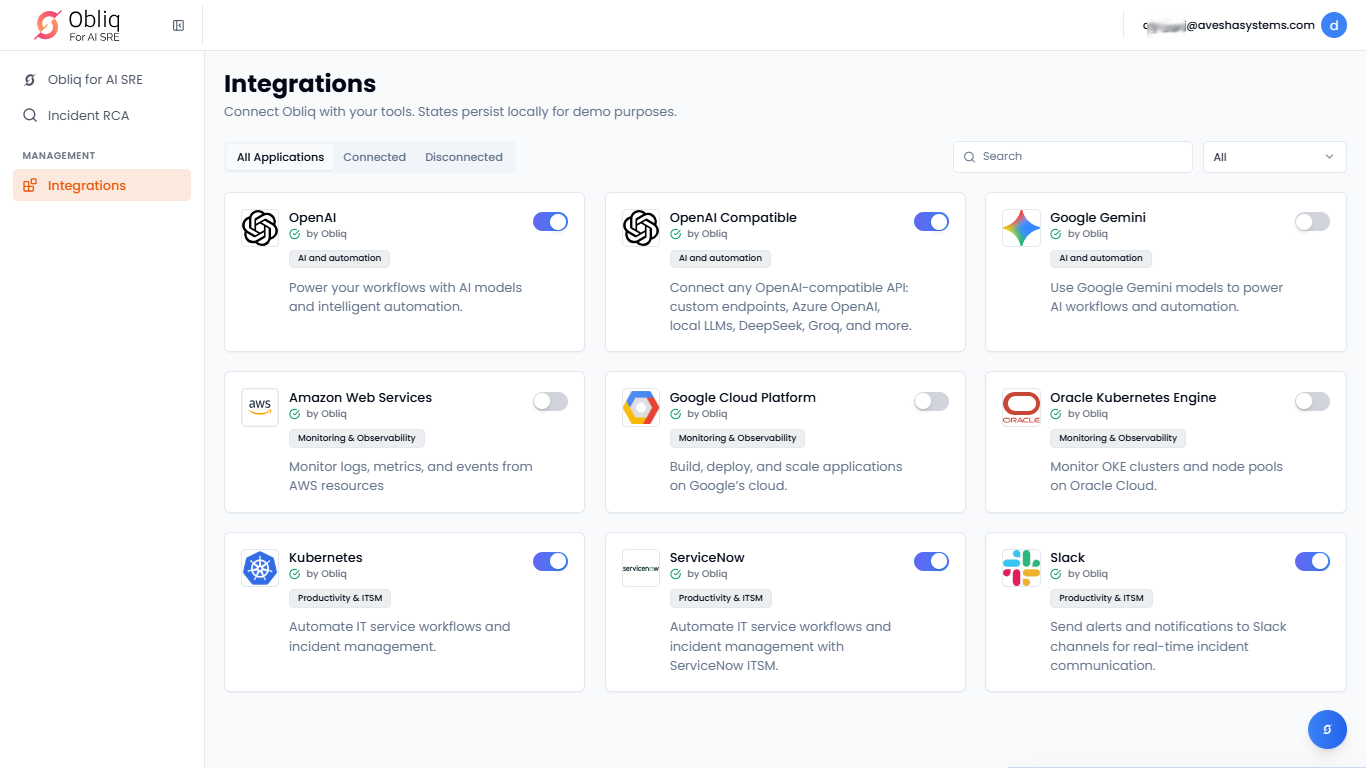
-
On the OpenAI Compatible page, click Manage.
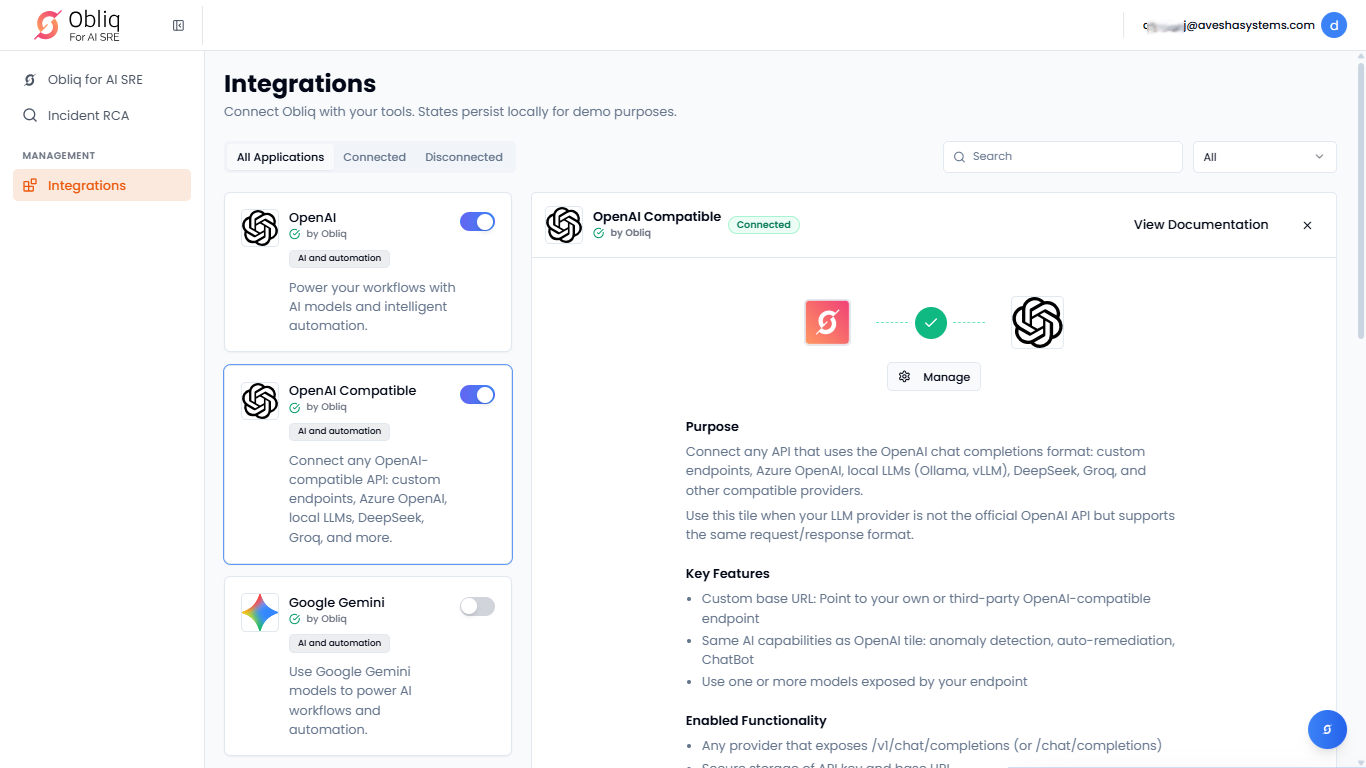
-
On the Manage OpenAI Compatible API Keys page, click Add OpenAI Compatible.
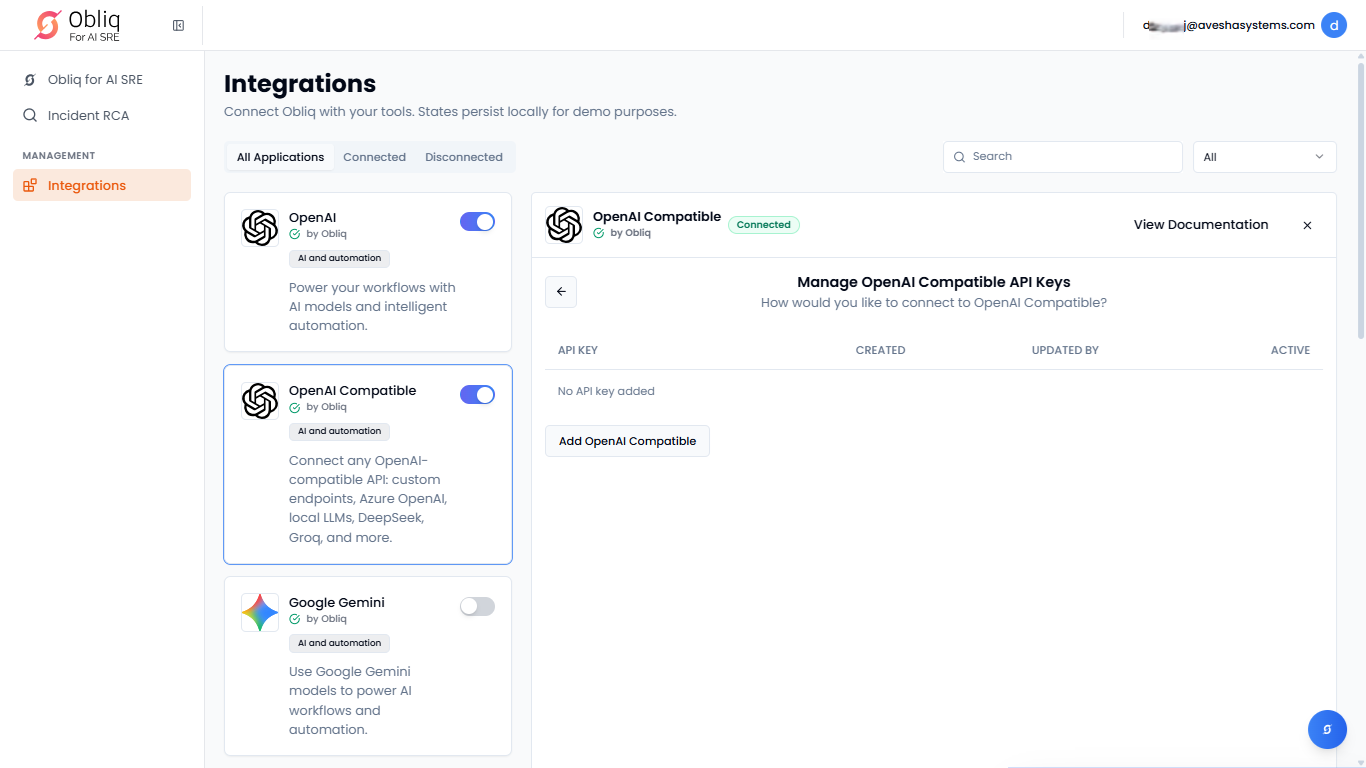
-
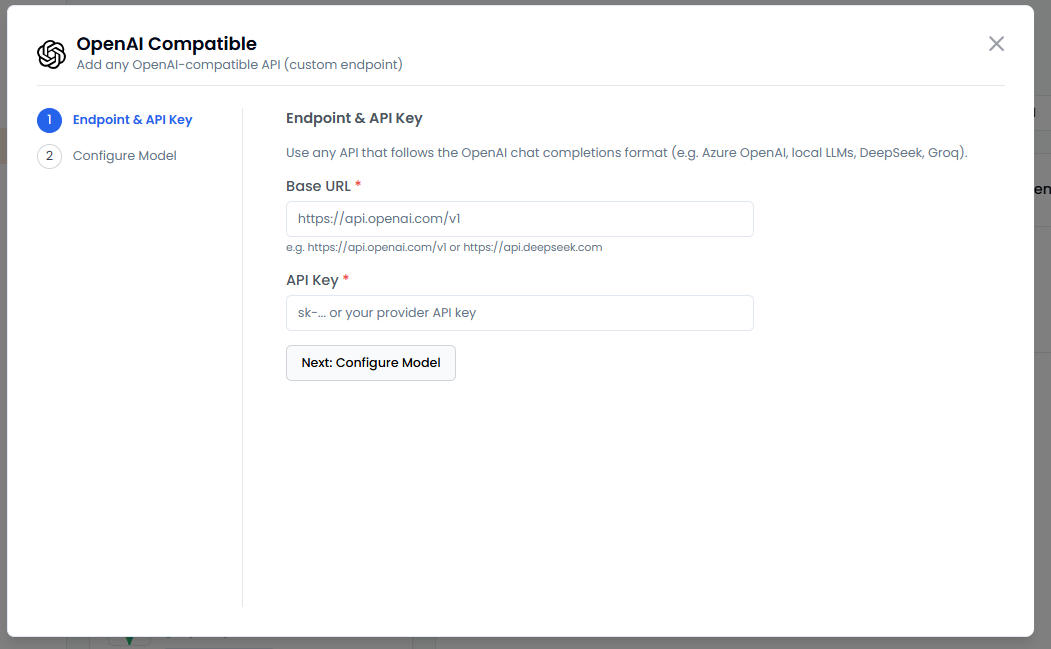
On the OpenAI Compatible pane, the left sidebar contains the steps required for you to do before configuration.
-
Under Endpoint & API Key:
- Use any API that follows the OpenAI chat completions format. Enter the endpoint's base URL in the Base URL text box.
- Enter the API key or your provider API key in the API Key text box.
- Click Next: Configure Model to proceed to configuration.
-
Under Configure Model:
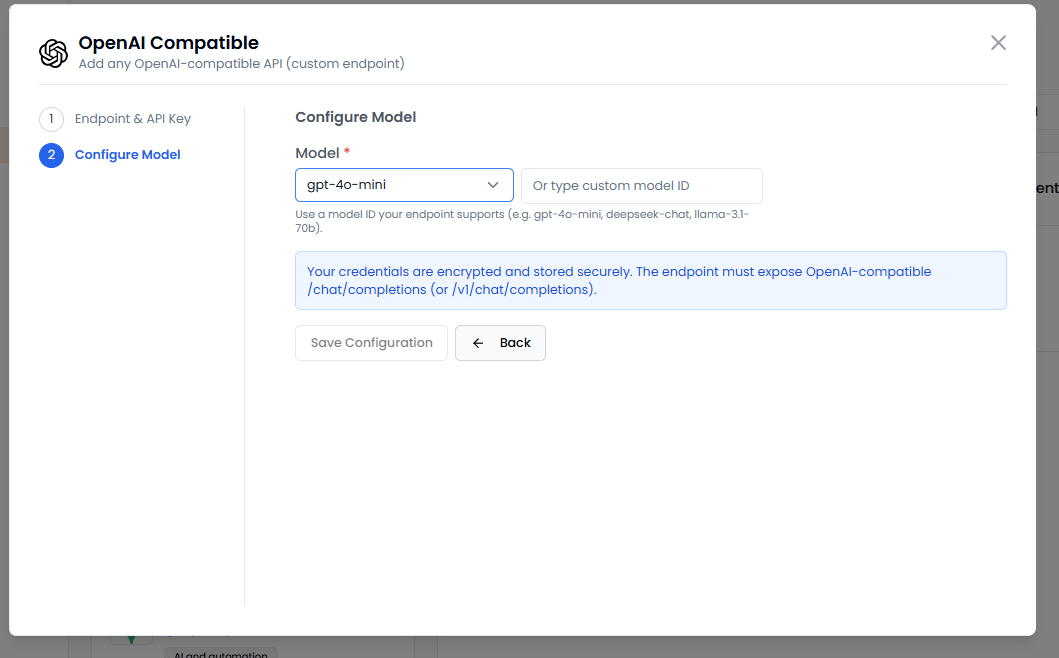
- Select a model from the Model drop-down list. If you have a custom model, then select custom from the Model drop-down list and enter the custom model ID in the text box next to it.
- Click Save Configuration to complete the OpenAI Compatible integration.