Oracle Kubernetes Engine
Integrating Oracle Kubernetes Engine (OKE) with the AI SRE Agent enables automatic observation and analysis of clusters. It allows health monitoring, scaling, incident handling, and optimization.
Configure Oracle Kubernetes Engine
-
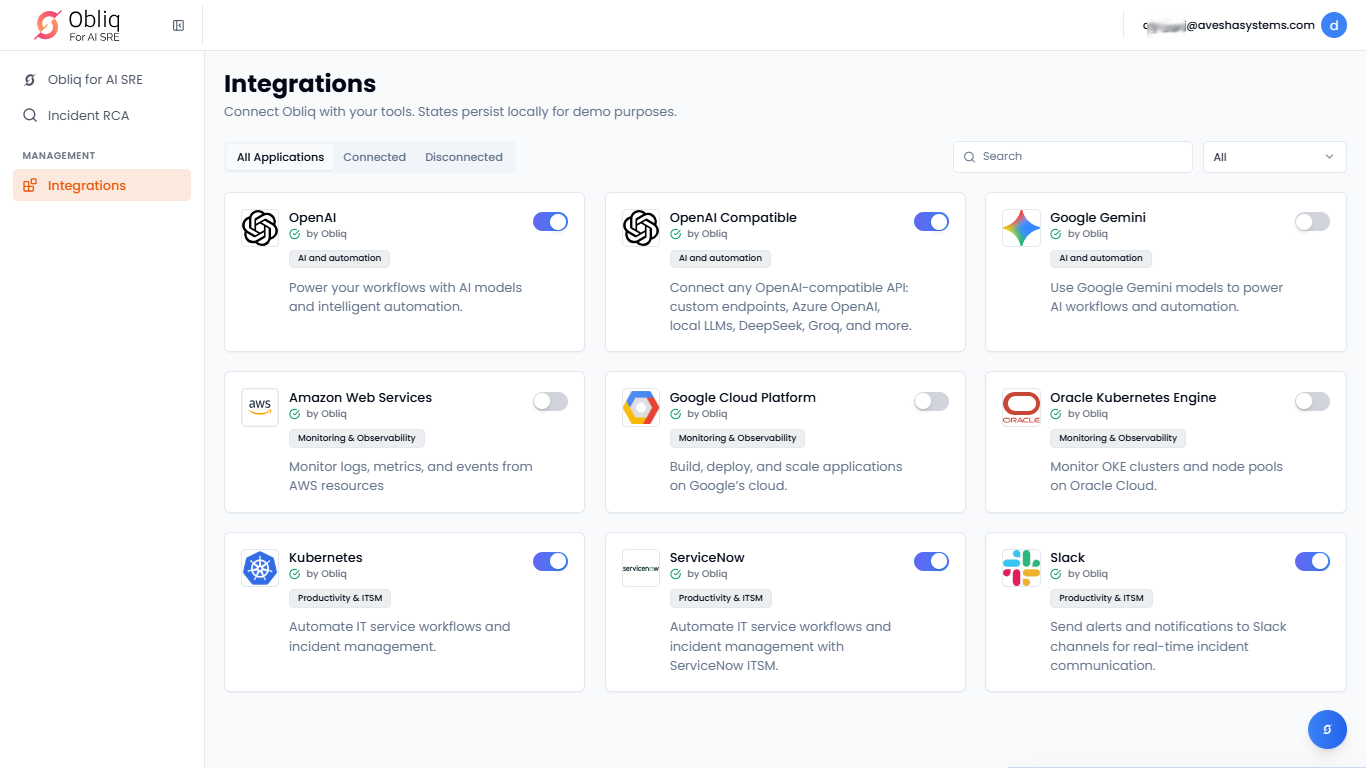
Go to Integrations on the left sidebar.
-
On the Integrations page, click Oracle Kubernetes Engine.
-
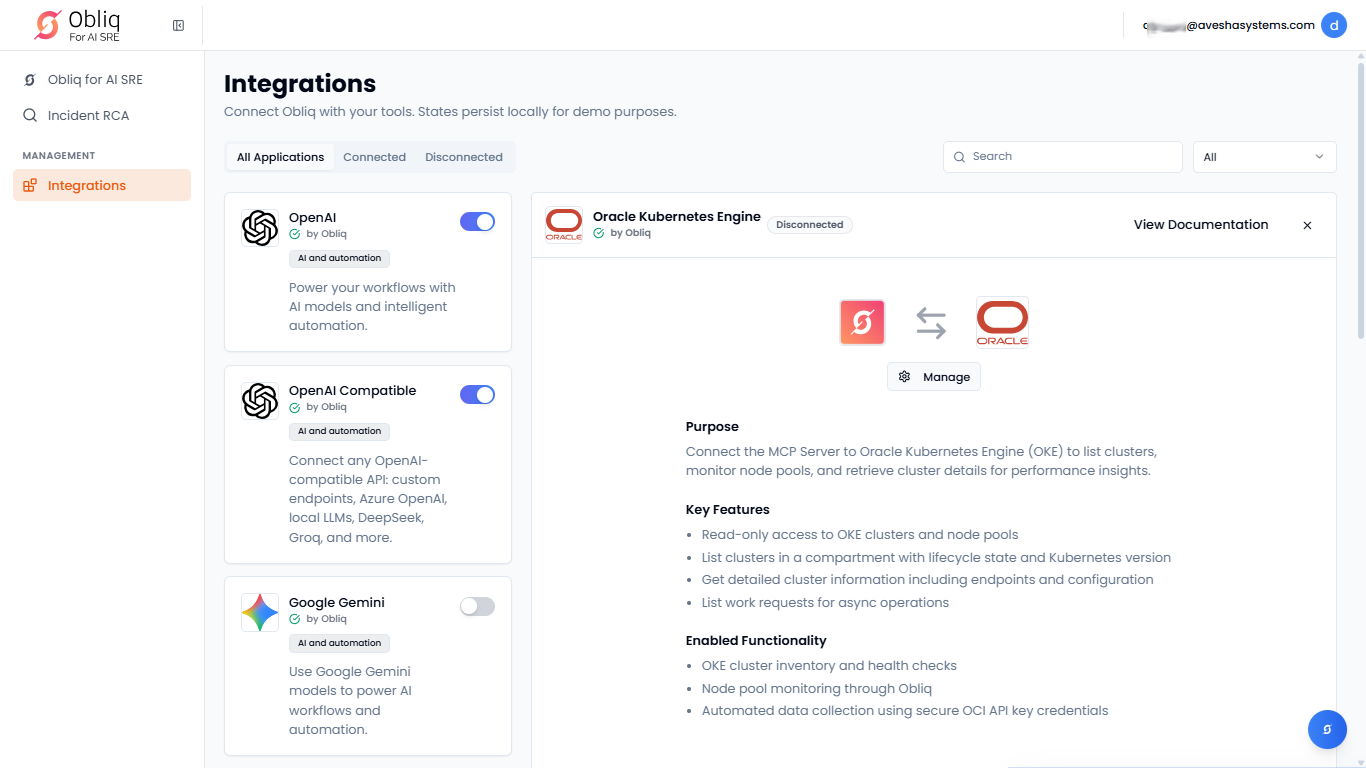
On the Oracle Kubernetes Engine page, click Manage.
-
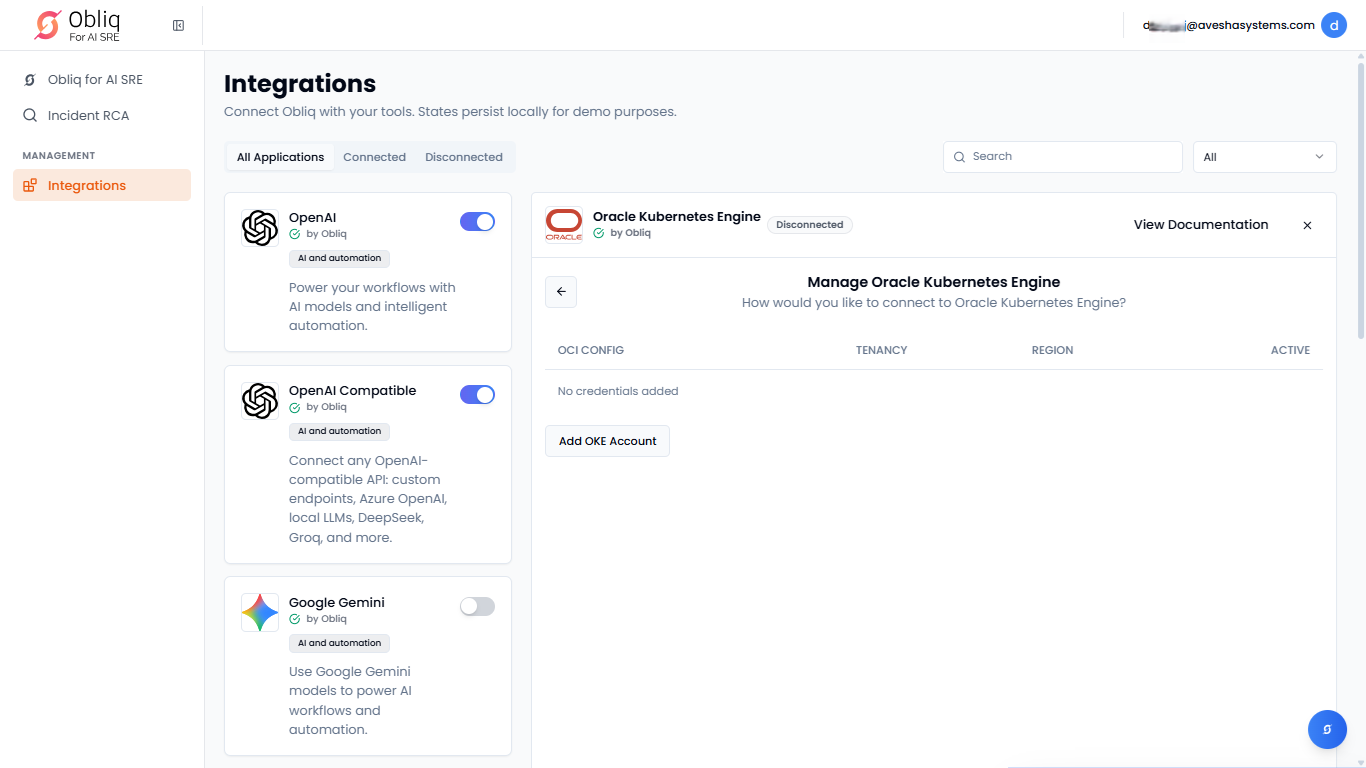
On the Manage Oracle Kubernetes Engine page, click Add OKE Account.
-
On the Connect Oracle Kubernetes Engine (OKE) pane, under OCI API Key:
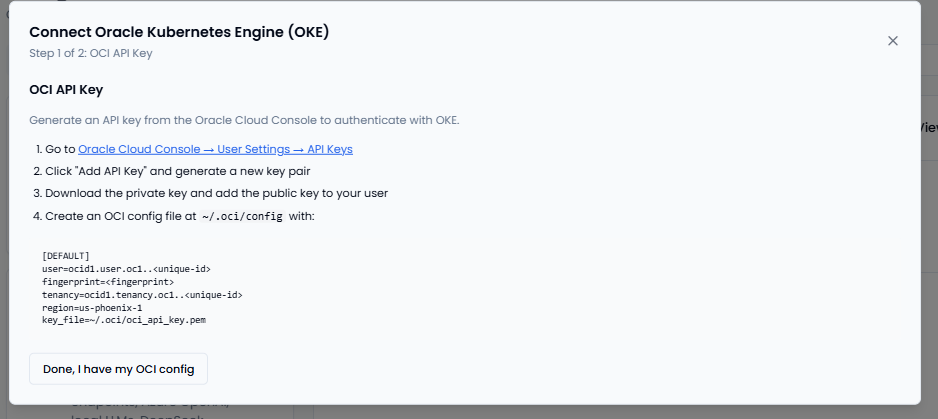
- Follow the steps to get an OCI API key pair and create an OCI configuration file.
- Download the private and public API key pair to use it in configuration.
- Click Done, I have my OCI config.
-
Under Configure:
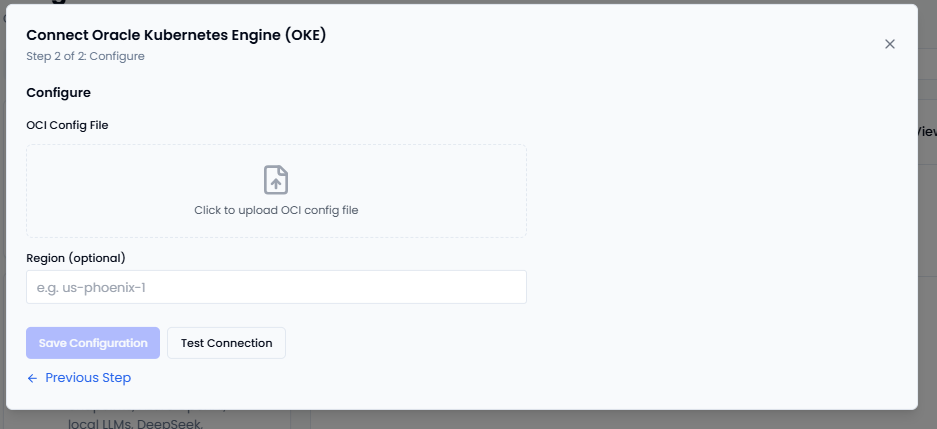
- In the OCI Config File text box, click the file icon to upload the OCI configuration file
you created in the previous step. - (Optional) Enter the OCI region of your OKE cluster in the Region (optional) text box.
- Click Save Configuration to complete OKE integration.
- Click Test Connection to verify if the integration is successful.
- In the OCI Config File text box, click the file icon to upload the OCI configuration file